Connect
Add moe to the AI tool you use: an address and a key.
Connect moe to the AI you already use and describe the motion you want in one sentence. Your AI writes it as plain text and checks it, and it runs live in your product: interactive, not a video.
Connect your AISee the demos first ↓
Below, one app gets its motion piece by piece, from the first sentence to the day it ships. On the left is what was said to the AI; on the right is the result, running live in this page. Try them.
A product starts still. The first thing you ask for is life.
Give our app a mascot. It should breathe, blink, and let people pose its arms.
Done, and checked: nothing wrong. I tried it with an arm raised, too.
As the pointer crosses the headline, let it grow bolder, and lift the letters under it.
Motion that plays is a video. Motion that answers a finger is a product.
It needs four moods. And every face between them, without me drawing those.
Keep the screen dark, and show only what the finger lights up.
As the sun is dragged across, take the whole scene from morning to night.
Now it listens to the app itself: numbers, events, a tap that should be heard.
Every time the count goes up, it eats one, and gets a little rounder.
Bound to your number. Tried with 0, 3 and 6: it stops at six.
Each key should have a sound of its own, at the instant it goes down.
Wherever the finger goes, have sparks chase it, each on a spring.
The same piece, on a phone and on a wide screen, in English and in Chinese.
On a narrow screen, stack these three and let the text wrap by itself.
Nothing to install and no new tool to learn: moe becomes one more thing your AI can do.
Add moe to the AI tool you use: an address and a key.
Say what you want in plain words. Your AI writes it, checks it, and shows you pictures until you are happy with it.
Say “publish” and you get two lines to paste into your page. Change it later, and the page updates by itself.
claude mcp add --transport http moe https://mcp.animate.moe/mcp \
  --header "Authorization: Bearer YOUR_KEY"
Run it in a terminal, with your key for YOUR_KEY.
{ "mcpServers": { "moe": { "url": "https://mcp.animate.moe/mcp",
"headers": { "Authorization": "Bearer YOUR_KEY" } } } }Put it in ~/.cursor/mcp.json, with your key for YOUR_KEY.
[mcp_servers.moe]
url = "https://mcp.animate.moe/mcp"
http_headers = { "Authorization" = "Bearer YOUR_KEY" }Put it in ~/.codex/config.toml, with your key for YOUR_KEY.
grok mcp add --transport http moe https://mcp.animate.moe/mcp \
  --header "Authorization: Bearer YOUR_KEY"
Run it in a terminal, with your key for YOUR_KEY.
<script type="module" src="https://mcp.animate.moe/player/player.js"></script>
<moe-player src="https://mcp.animate.moe/a/YOUR_PROJECT/latest/scene.moec"></moe-player>
You do not write these two yourself: say “publish” and your AI gives them to you, filled in.
Get a keyStep by step: the quick start →
Enter your email, open the link we send you, and make a key on your account page.
The work is plain text your AI can read, not a binary file it cannot open. Say “bigger eyes” and it changes that one line.
Every change is checked, and can be tested: tap here, wait two seconds, see which state it is in. It is verified before it reaches you.
What sits in your page is not a recording. It responds to touch, follows your data, and lays itself out on a phone and on a wide screen.
Everything above, in one 46-second timeline: a day in Mo’s life. Hand-held camera, jump cuts, captions, a timecode and a dying battery. Tap the picture for sound.
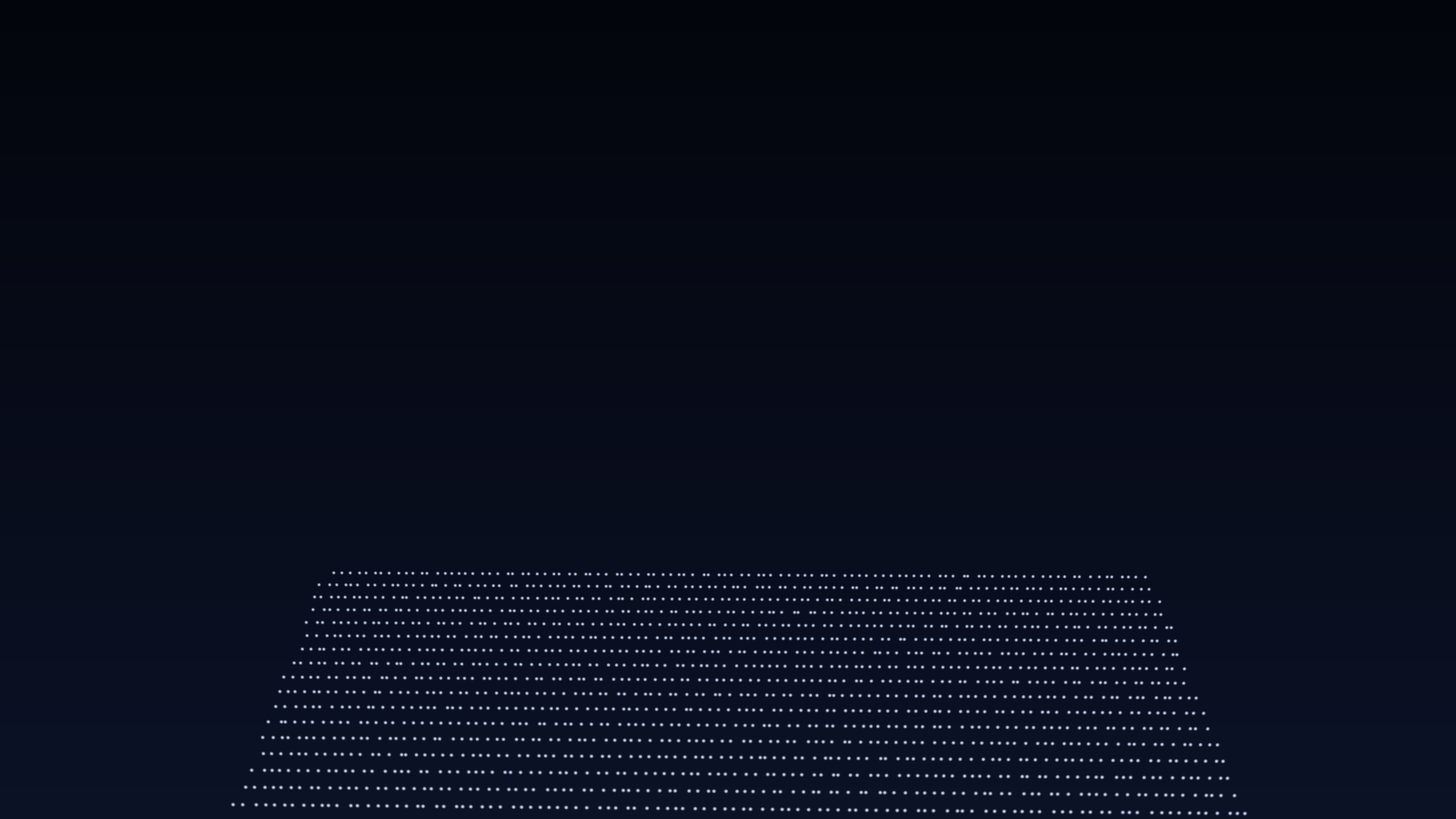
A drone show of two old stories: Hou Yi shoots down nine of the ten suns, and Chang'e flies to the moon. The figures are lines traced from drawings, with the lights along them, moved by bones: the bow is drawn and loosed, each arrow flies off into the depth of the sky, every sun hangs at its own distance, and Chang'e grows smaller as she flies away. No particle engine, no video.
A one-minute film: a scene is typed out, the character grows legs, walks through a day, counts the stars and says hello in three scripts. It is running in your browser right now.
Your AI can write, check, render, test and revise as often as it takes; neither plan counts any of that. What counts is how many projects you keep, and how often what you publish is played.
$0
$9.99 per month, per account
A play is one load of something you published, on any page. Go past the limit and it keeps playing; we just let you know. The price is per account, not per seat: it is your AI that does the work. Cancel any time.
Lottie and Rive animations are made in a design tool and exported. A moe scene is plain text that your AI writes, then checks and tries out itself before you see it. It has state machines, data binding, bones, layout and sound, and goes into a web page with one tag.
No. You describe what you want and your AI writes it. The only thing you paste is the two lines you get when you publish. If you want to edit by hand, you can: the files are plain text.
Any AI tool that can connect to an MCP server over HTTP, such as Claude Code, Cursor, Codex and Grok.
You do. Your projects and everything made from them are yours; we do not sell them or show them as ours. See the terms.
It keeps playing, and we let you know.